Mechanical vs Membrane Keyboard: Clicky Joy or Silent Speed?
Your fingers touch this tool for hours every day. Mechanical keyboards use individual switches per key — tactile, clicky, or linear. Membrane keyboards use a rubber dome sheet — mushy but quiet and cheap. The gap has narrowed: budget mechanicals now exist, and premium membranes feel decent.
Mechanical Keyboard
Pros
- + Distinct tactile feedback
- + 50-100M keystroke lifespan
- + Replaceable switches (hot-swap)
- + Customizable keycaps
- + N-key rollover
- + Satisfying sound (or silent)
Cons
- − Louder (clicky switches)
- − Higher price ($40-200+)
- − Heavier
- − Learning curve for switch types
- − Can be too tall without wrist rest
Shop Mechanical Keyboard on AliExpress
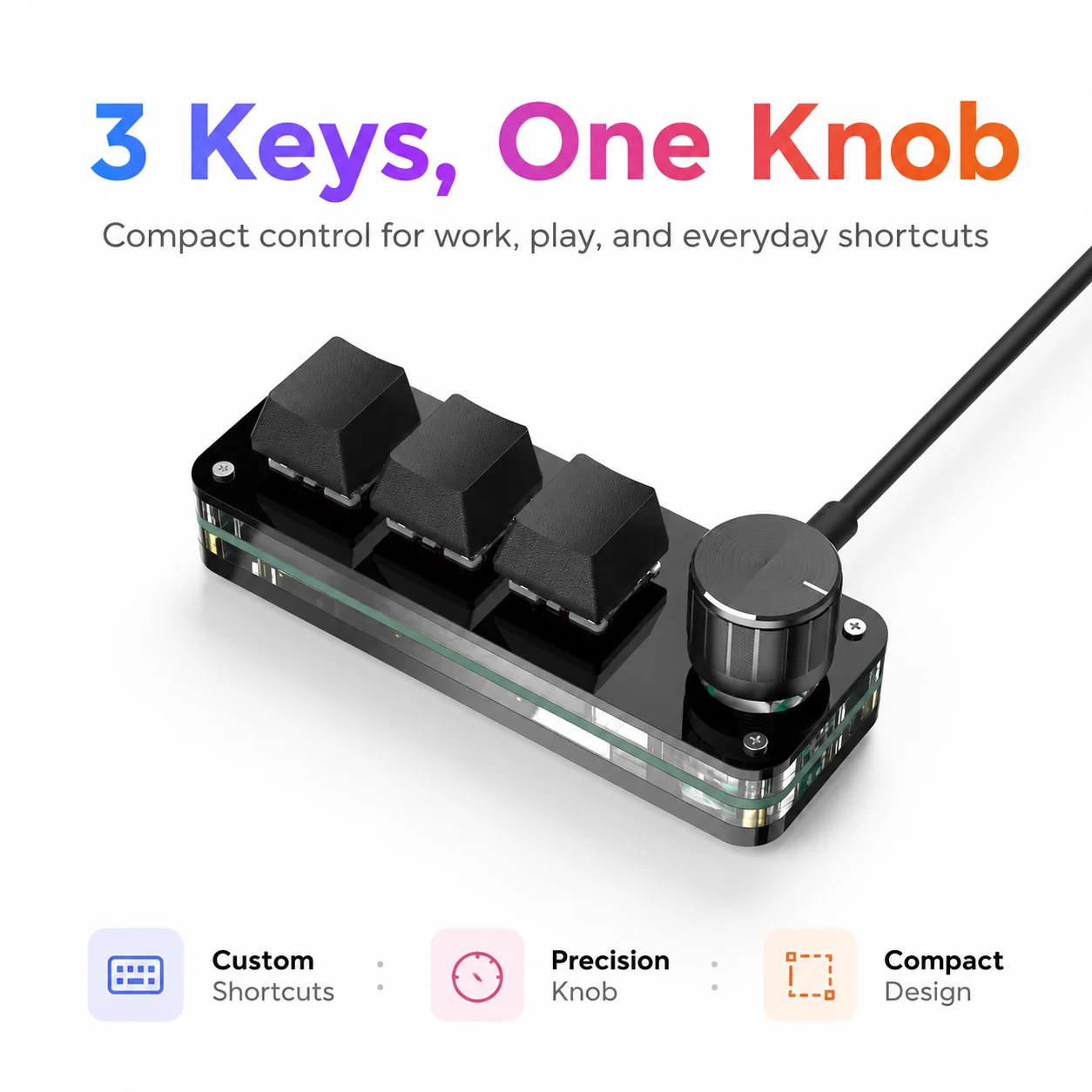
Macropad Macro Programming Keyboard RGB Mini Hot Swap Gaming Custom Knob Keypads Red Switch 3 Keys Knob For Photoshop Multimedia
$5.82
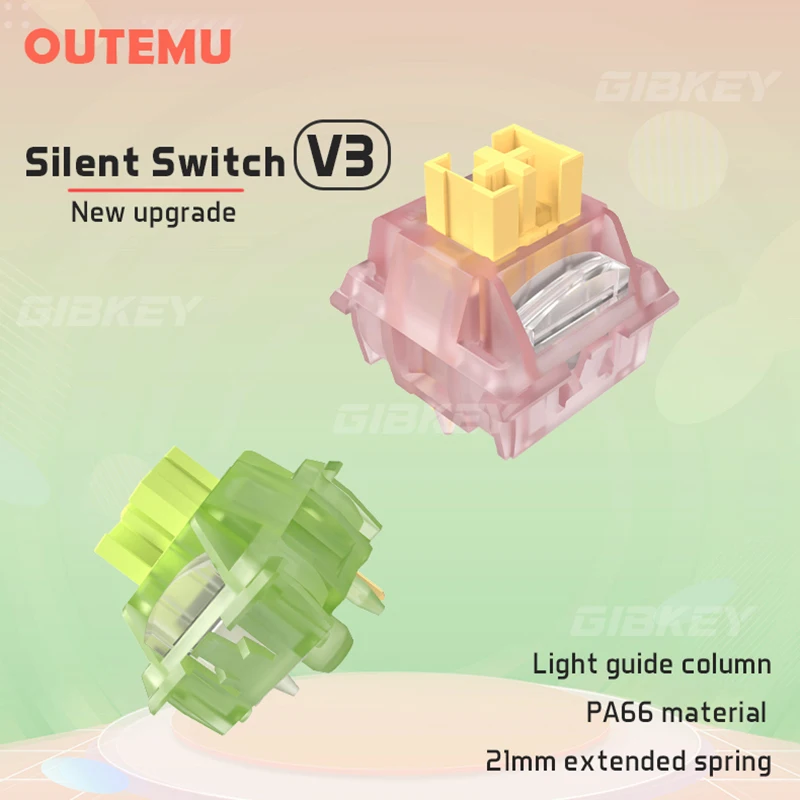
Outemu Silent Peach V3 Switch Lubed Mute Lemon V3 Switches Mechanical Keyboard Linear Tactile 5Pin Hot swap Pre Lubed PA66 POM
$2.54
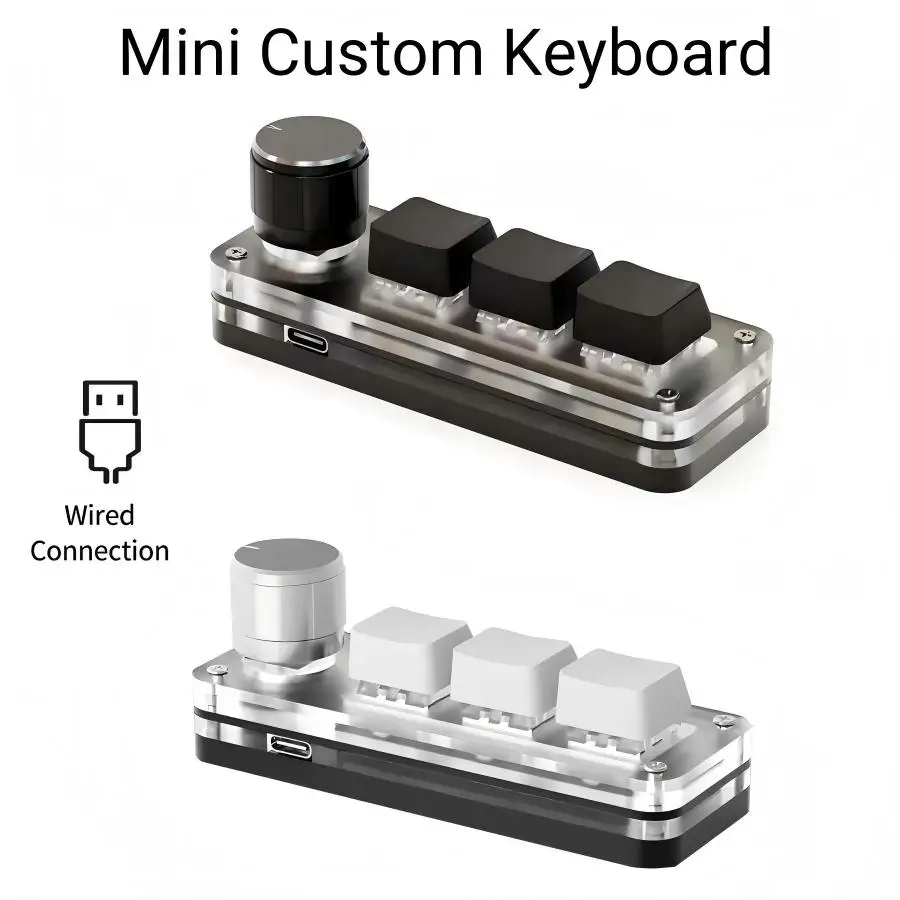
RGB 3 Key Customize Wired Mini Keyboard Macro Knob Copy Paste Shortcut Key E-sports Game Mechanical Hot Swap Mini Keyboard
$7.26

Outemu Silent Peach V3 Switch Lubed Silent Lemon V3 Switches Mechanical Keyboard Linear Tactile 5Pin Hot swap PA66 Pre Lubed POM
$2.89
Membrane Keyboard
Pros
- + Whisper quiet
- + Light and portable
- + Budget friendly ($10-40)
- + Low profile — wrist friendly
- + Spill resistant (often)
- + No switch research needed
Cons
- − Mushy, vague feedback
- − 5-10M keystroke lifespan
- − Can't replace individual keys
- − Ghosting on 3+ keys
- − Degrades over time
- − Hard to clean under keys
Shop Membrane Keyboard on AliExpress
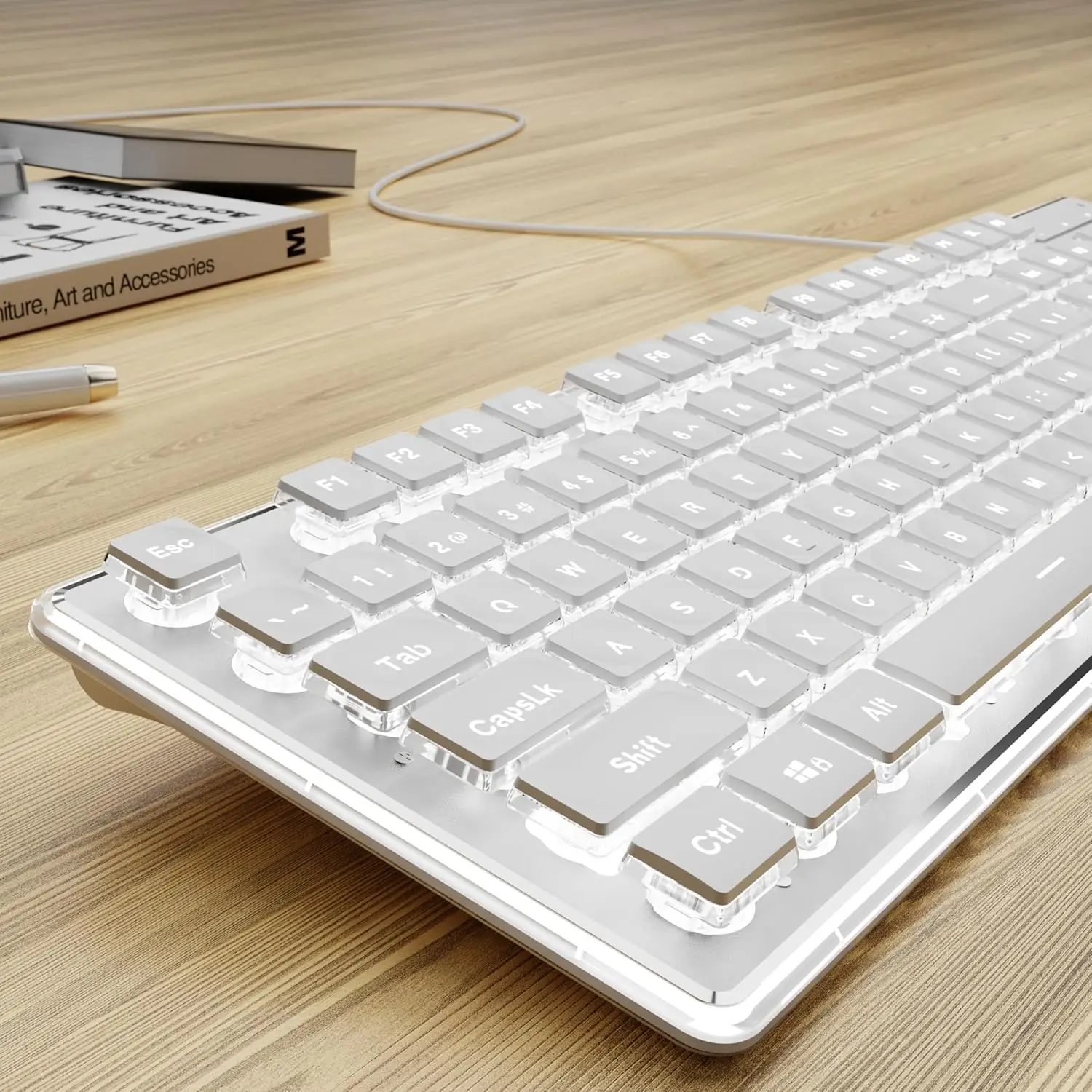
Wired USB Keyboard with White Backlit Metal Panel Pudding Keycaps Full Size Quiet Computer Keyboard for Windows PC Laptop Gamer
$32.97
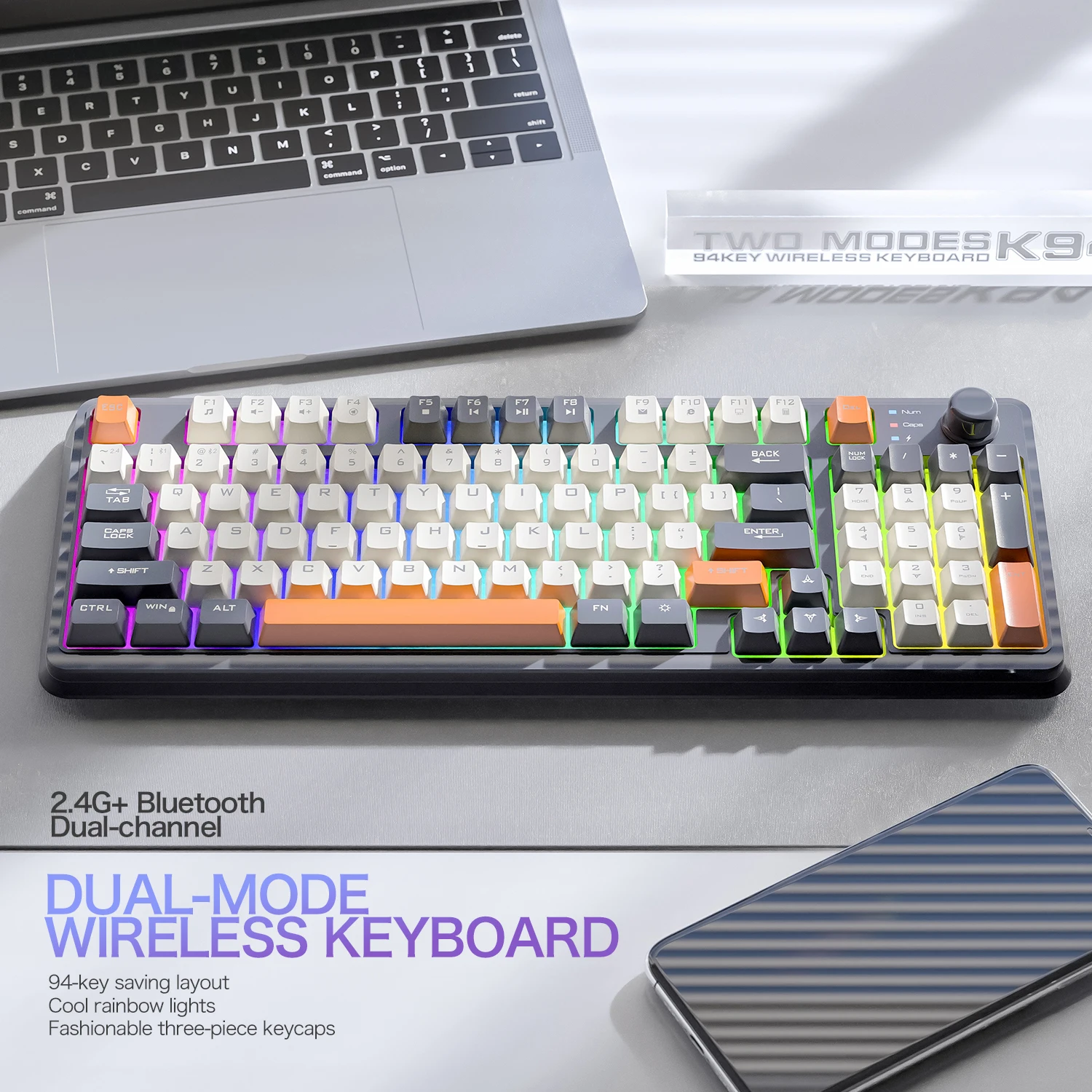
K94 Wireless Gaming Keyboard, BT 5.0/2.4GHz With Dual Mode 2-in-1 Receiver, 95 Keys TKL Rainbow LED Backlit Quiet Keyboard For
$27.09

ZIYOU LANG Wireless Gaming Keyboard with Display Screen & Knob, Bluetooth/2.4GHz Quiet Membrane Keyboard, 3000mAh Rechargeable
$31.34
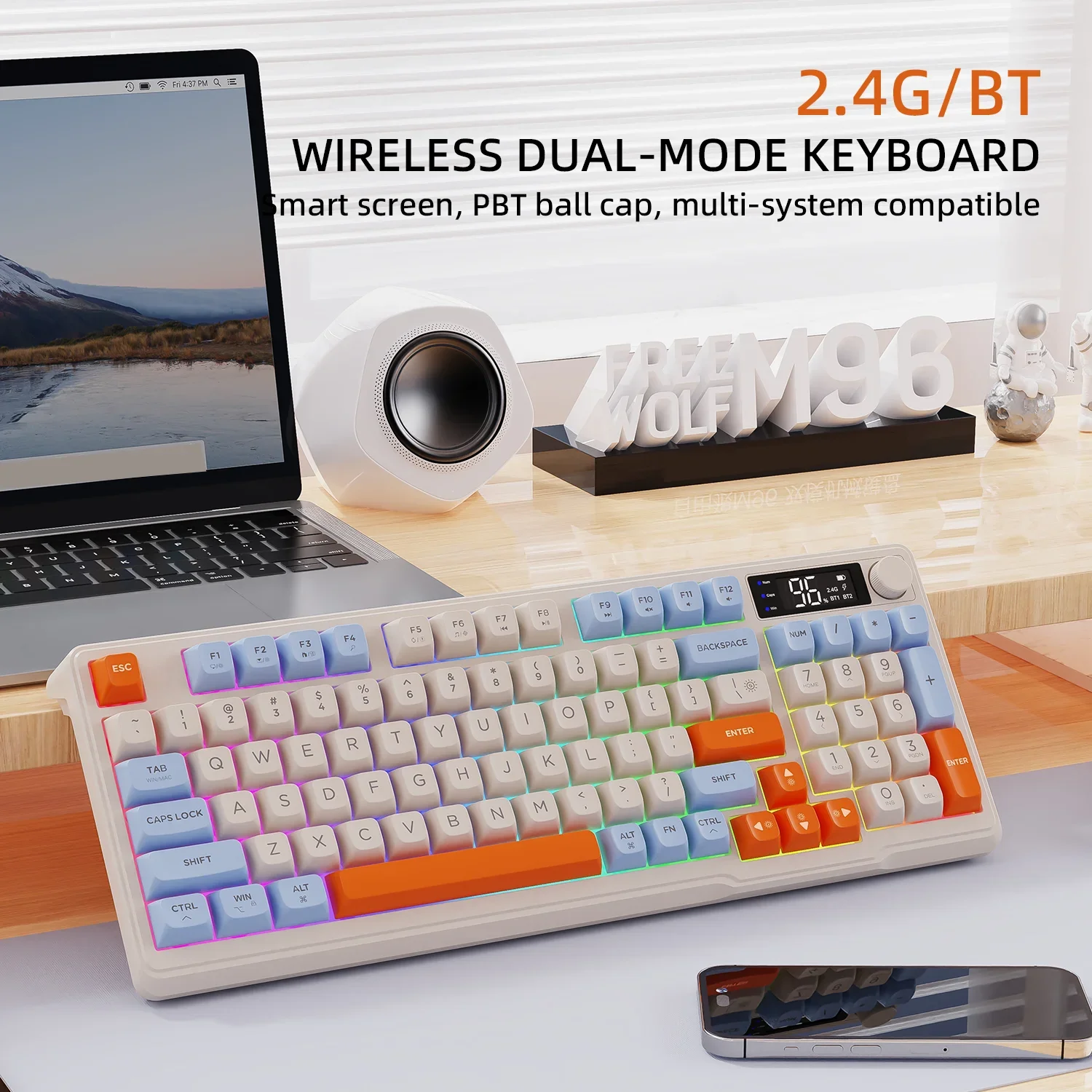
Wireless Gaming Keyboard with Display Screen & Knob, Bluetooth/2.4GHz Quiet Membrane Keyboard, 3000mAh Rechargeable
$45.01
The Verdict
Get a mechanical keyboard if you type/code/game for hours daily — your fingers, wrists, and accuracy will thank you. Hot-swap boards let you try switches without soldering. Get a membrane keyboard for shared spaces, travel, or if budget is tight. You can always upgrade later.
FAQ
Are mechanical keyboards too loud for offices?
Clicky switches (Blue) are loud. Linear (Red) and tactile (Brown) are much quieter. Silent switches (Silent Red, Boba U4) exist for office use. Add o-rings or a desk mat for more dampening.
What's "hot-swap" and do I need it?
Hot-swap means you can pull switches out and pop new ones in without soldering. Great for trying different feels (linear vs tactile vs clicky) or replacing a broken switch. Not essential but very nice for beginners.