Kindle vs Tablet for Reading: E-Ink vs LCD — Which Saves Your Eyes?
Reading on a phone works — until your eyes burn and notifications derail you. Dedicated e-readers (Kindle, Kobo) use E-Ink that mimics paper, while tablets (iPad, Fire, Android) do everything but strain eyes faster. This guide helps you pick based on how you actually read.
Kindle (E-Ink)
Pros
- + Zero glare — reads like paper
- + Weeks of battery life
- + Lightweight (160-230g)
- + Waterproof models available
- + Library sync across devices
Cons
- − Slow page turns
- − No color (mostly)
- − Limited apps
- − Can't read PDFs well
- − Need separate device
Shop Kindle (E-Ink) on AliExpress
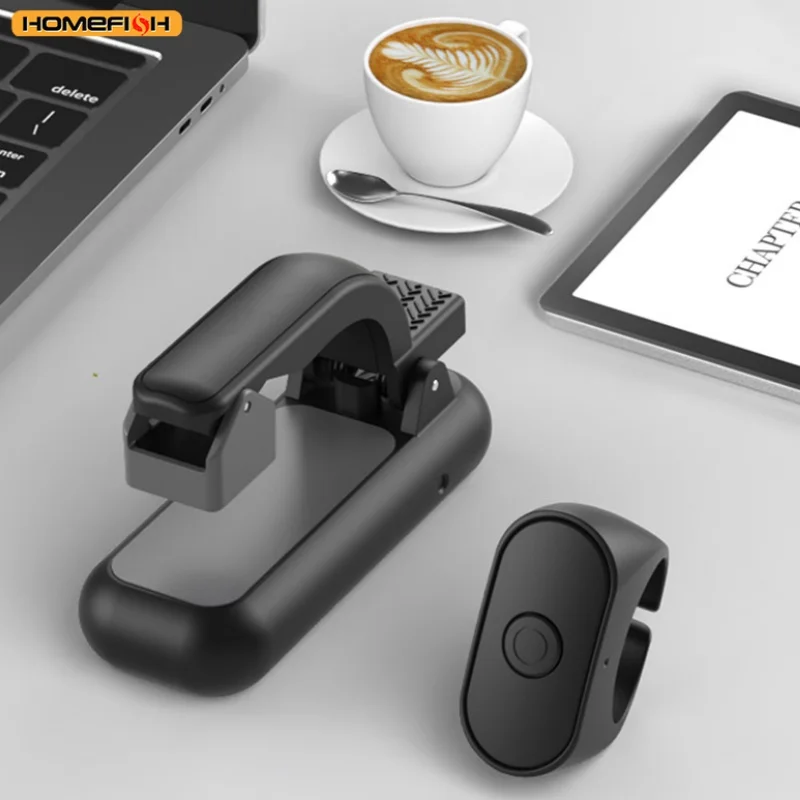
2-in-1 Page Turner Clicker Wireless Page Turner Remote Control E-Reader Phone Camera Record Trigger Remote for Kindle Paperwhit
₪11.69
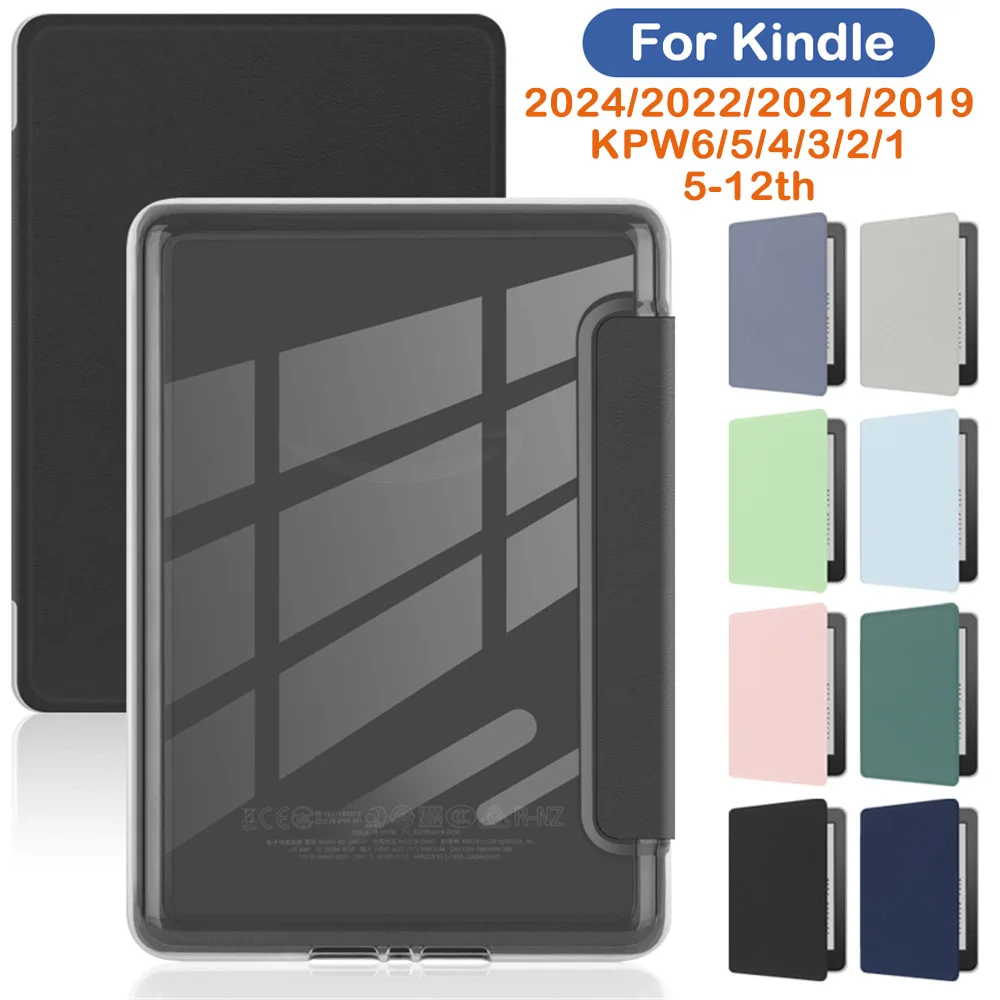
Acrylic Case for Kindle Paperwhite Colorsoft 2024 2022 2021 2 3 6 10th 11th 12th Generation 6 6.8 7 Inch Protective Cover Pouch
₪8.79

Case for Kindle 2024 2022 2021 Paperwhite Colorsoft 1 2 3 5 6 10 11 12th Generation 6 6.8 7 Inch Accessories Pouch Cover Funda
₪6.69
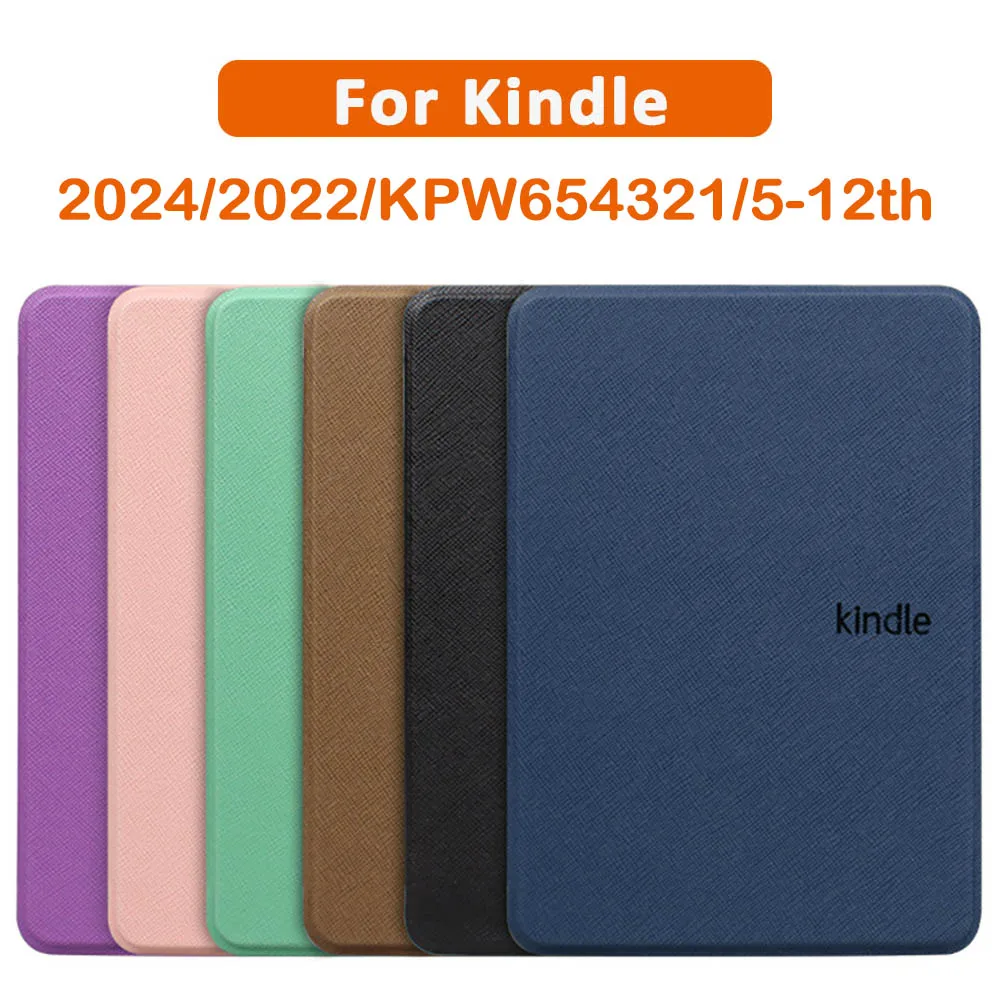
Case for Kindle Paperwhite 2024 2022 2021 6 6.8 7 Inch 1 2 3 6 7 8 9 10th 11th 12th Generation 2019 2018 Protective Cover Pouch
₪5.49
Tablet (LCD/OLED)
Pros
- + Full color — comics, magazines
- + Multi-purpose (video, web, apps)
- + Fast, responsive
- + PDFs render perfectly
- + One device for everything
Cons
- − Eye strain after 30-60 min
- − Glare in sunlight
- − 4-10 hour battery
- − Heavy (400-600g)
- − Constant notifications
Shop Tablet (LCD/OLED) on AliExpress

Xnyocn Tablet Stand Multifunction Sponge Pillow Stands for IPad Samsung Huawei Tab Reading Holder Support Bed Mount Bracket Book
₪10.99
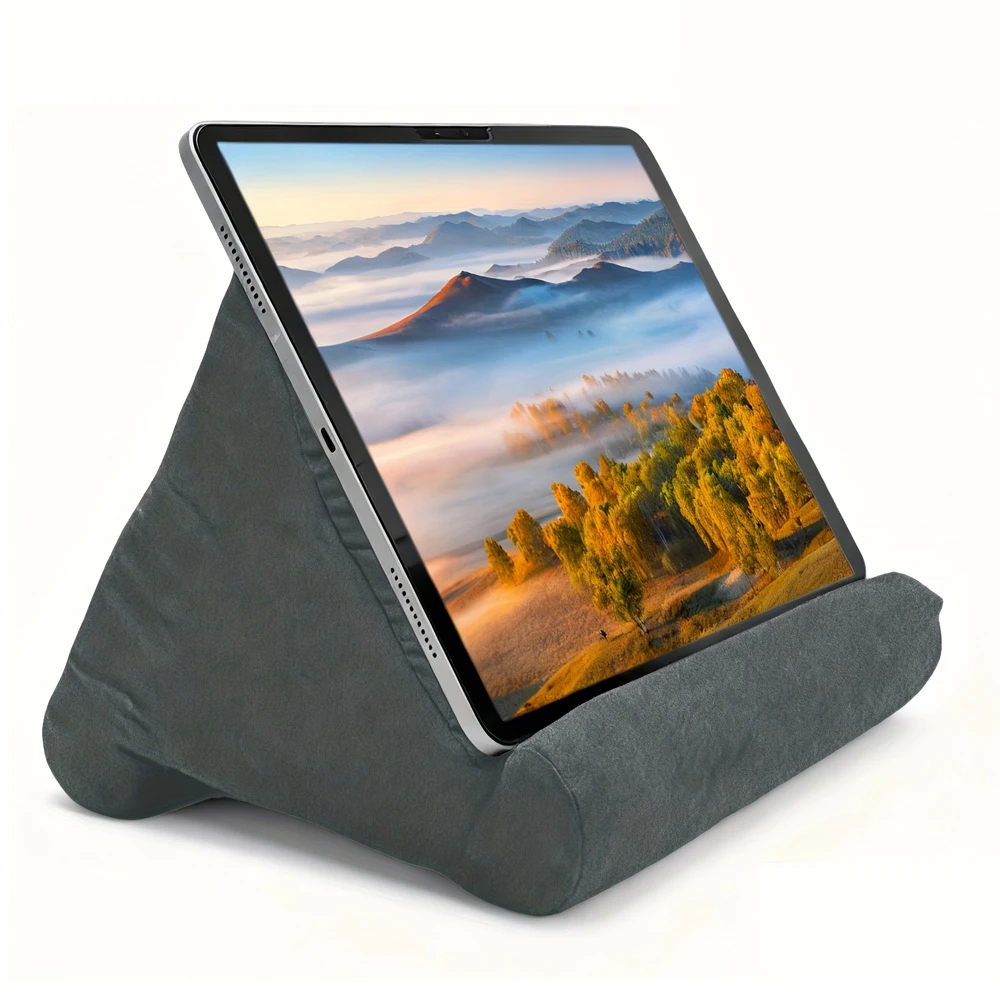
Sponge Pillow Tablet Stand Holder Pillow Pad Ultra Multi-Angle Soft Tablet Stand for Samsung Xiaomi Tablet Holder Reading Stand
₪8.99
High speed memory cards 4GB 8GB 16 GB 32 GB 64GB cartao de memoria 128 GB class 10 mini sd card TF card for Mobile Phone Camera
₪1.43
The Verdict
Buy a Kindle if you read 30+ minutes daily, mostly novels/text, and want zero eye strain. Buy a tablet if you read comics, magazines, PDFs, or want one device for everything. Many avid readers own both: Kindle for books, tablet for graphic content.
FAQ
Can I read Kindle books on a tablet?
Yes — the Kindle app works on iOS, Android, and Fire tablets. You get sync, highlights, and notes. But you lose the E-Ink eye comfort and battery advantage.
Is the Kindle Paperwhite worth it over the basic Kindle?
Yes — the front light lets you read in bed without a lamp, 300 PPI is noticeably sharper, and it's waterproof. The basic Kindle has no light and 167 PPI.