USB-C Hub vs Docking Station: Which One for Your Laptop?
Modern laptops come with fewer ports than ever — often just 2-3 USB-C ports. A hub or docking station is essential, but which one? Hubs are compact and cheap. Docks are powerful and expensive. This guide breaks down the real differences so you pick the right one without wasting money on features you don't need.
USB-C Hub
Pros
- + Compact and portable
- + Affordable ($15-40)
- + Plug-and-play, no drivers
- + Great for travel
- + Most have HDMI + USB-A + SD card
Cons
- − Limited power delivery (60-85W)
- − No Ethernet on cheap models
- − Can overheat with heavy use
- − Short cable (10-20cm)
- − No displayport on most models
Shop USB-C Hub on AliExpress

USB C HUB 3.0 Typ C 3.1 4 Port Multi Splitter Adapter OTG für Xiaomi Lenovo MacBook Pro 13 15 Air Pro PC Computer Zubehör
€2.09

4-Port Multi-Splitter Typ-C Hub USB-Adapter OTG für Xiaomi Lenovo MacBook 13 15 Air Pro PC - Computerzubehör
€2.15
4-Port Multi-Splitter Typ-C Hub USB-Adapter OTG für Xiaomi Lenovo MacBook 13 15 Air Pro PC - Computerzubehör
€1.99
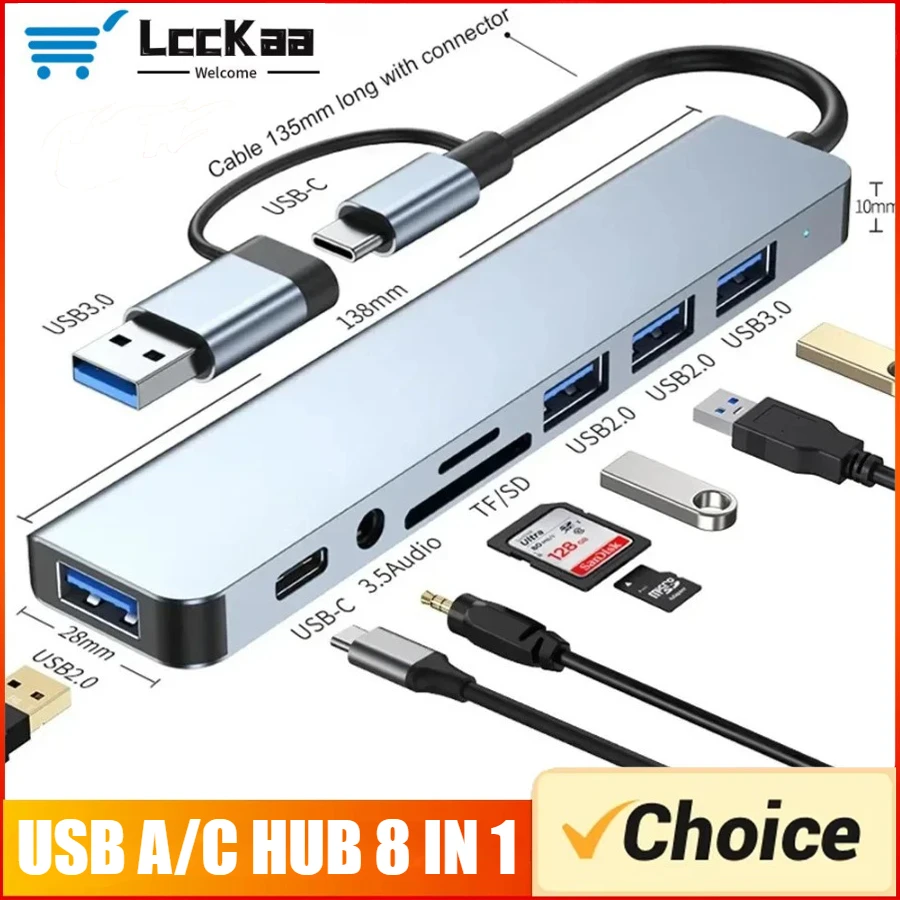
7/8-in-1 USB-C-Hub-Erweiterung Multiport-Adapter Typ-C-Splitter-Dock USB 3-Port für Xiaomi Telefon Tablet Schnelle Datenübertragung
€2.05
Docking Station
Pros
- + Full power delivery (100W+)
- + Dual/triple monitor support
- + Built-in Ethernet (Gigabit)
- + More ports (USB-A, USB-C, audio)
- + Stays on desk — one cable to laptop
- + Better cooling and build quality
Cons
- − Expensive ($60-200)
- − Bulky — not portable
- − External power brick needed
- − Overkill for single monitor
- − May need specific drivers
Shop Docking Station on AliExpress
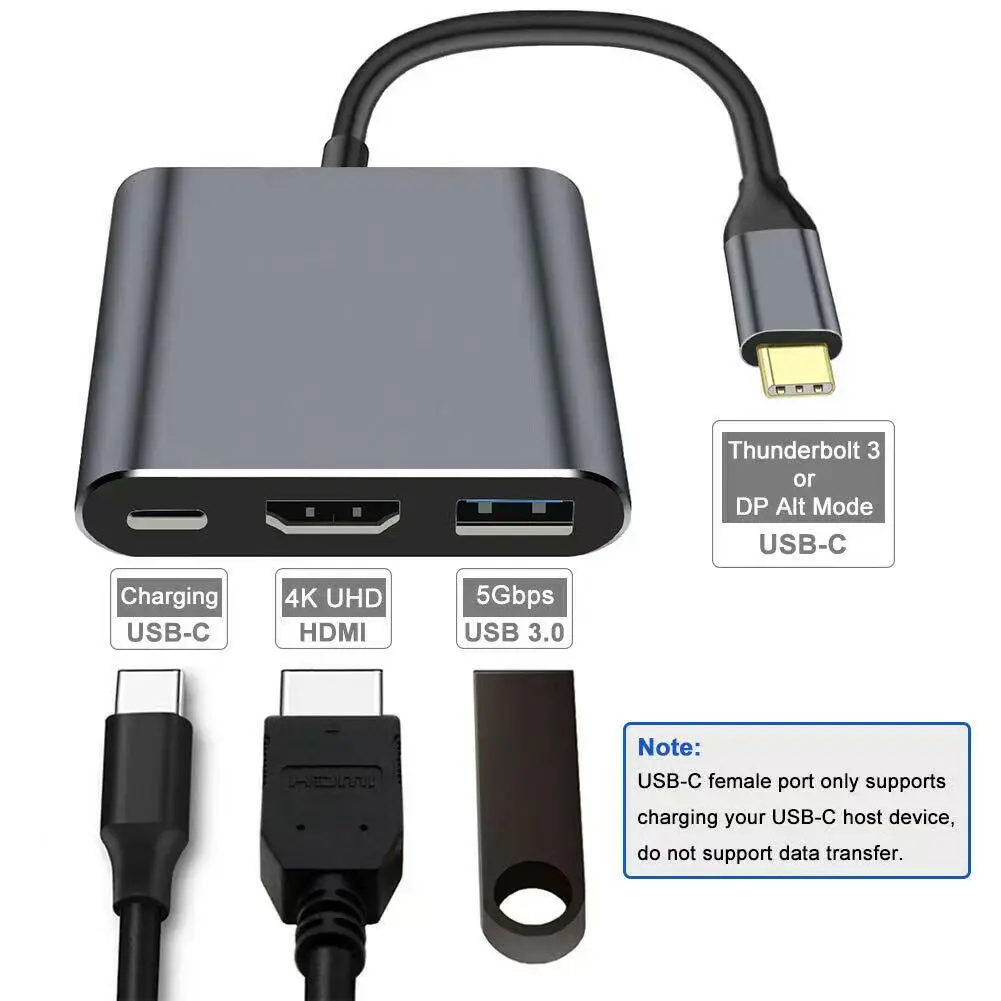
3-in-1-USB-C-Hub: Typ-C 3 in 1 PD100W + HDMI (4K/30Hz) + USB3.0
€4.19
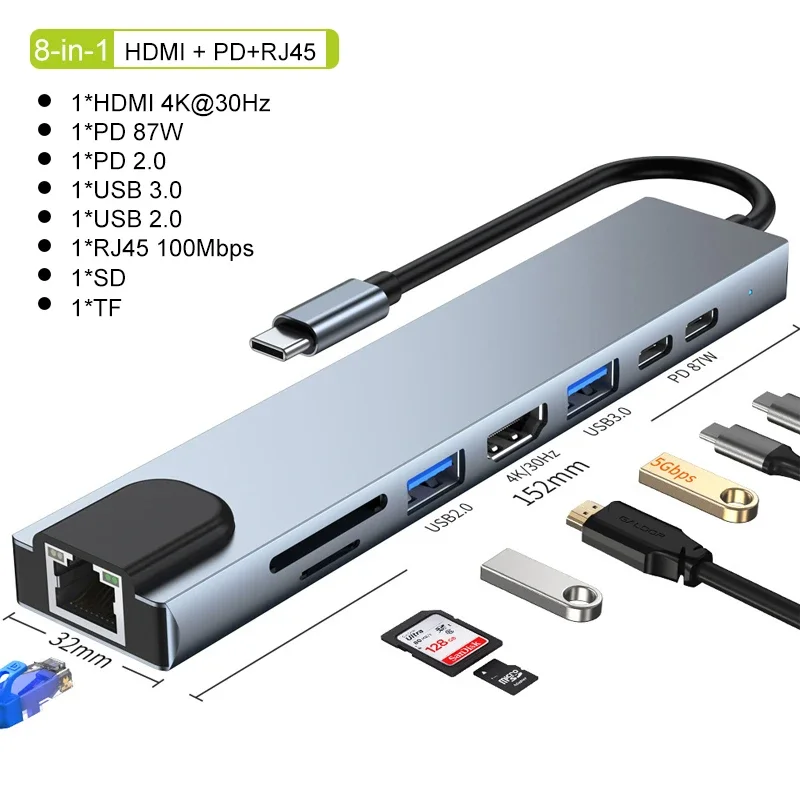
USB-C-Hub 8-in-1 7-in-2 7-in-1 Typ-C 3.1 zu 4K HDMI Adapter mit RJ45 SD/TF Kartenleser PD Schnellladung für MacBook Notebook Laptop
€3.45
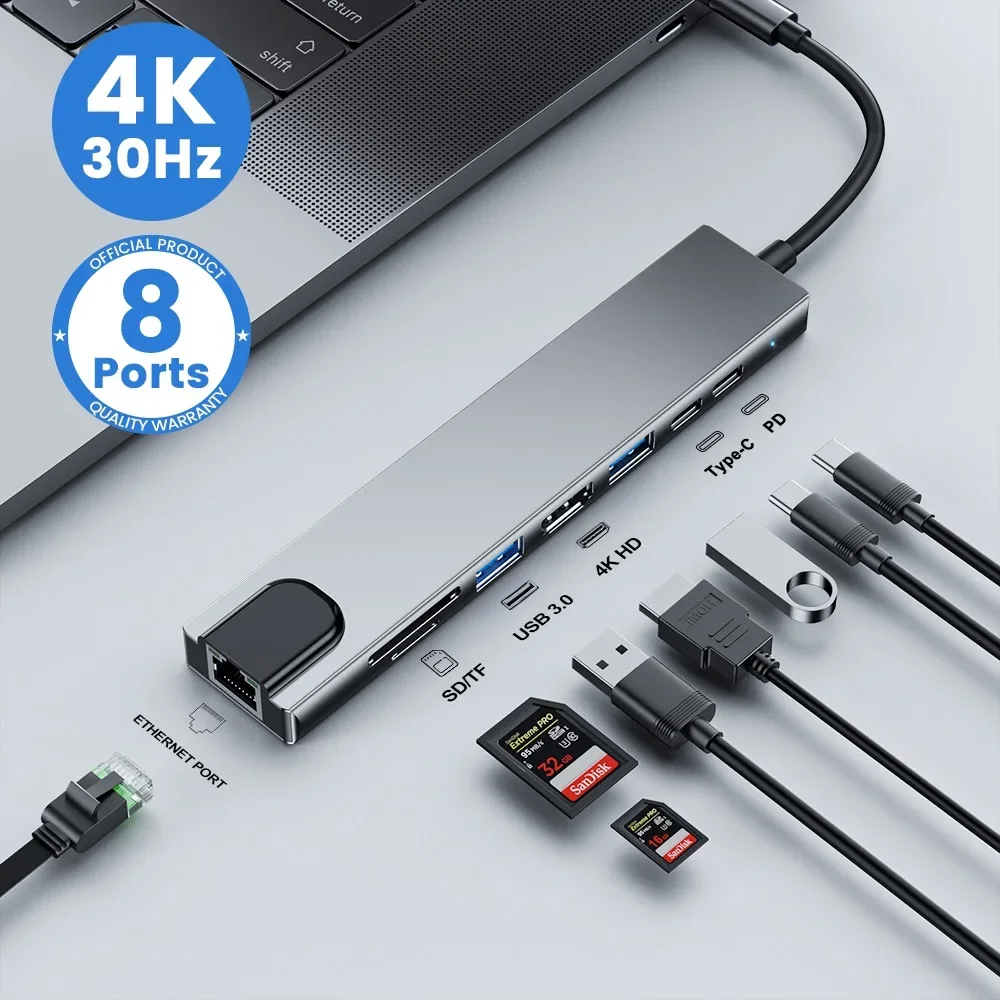
USB C Hub 8In1 7in2 7in1 Typ C 3.1 auf 4K HDMI Adapter mit RJ45 SD/TF Kartenleser PD Schnellladung für MacBook Notebook Laptop
€3.39
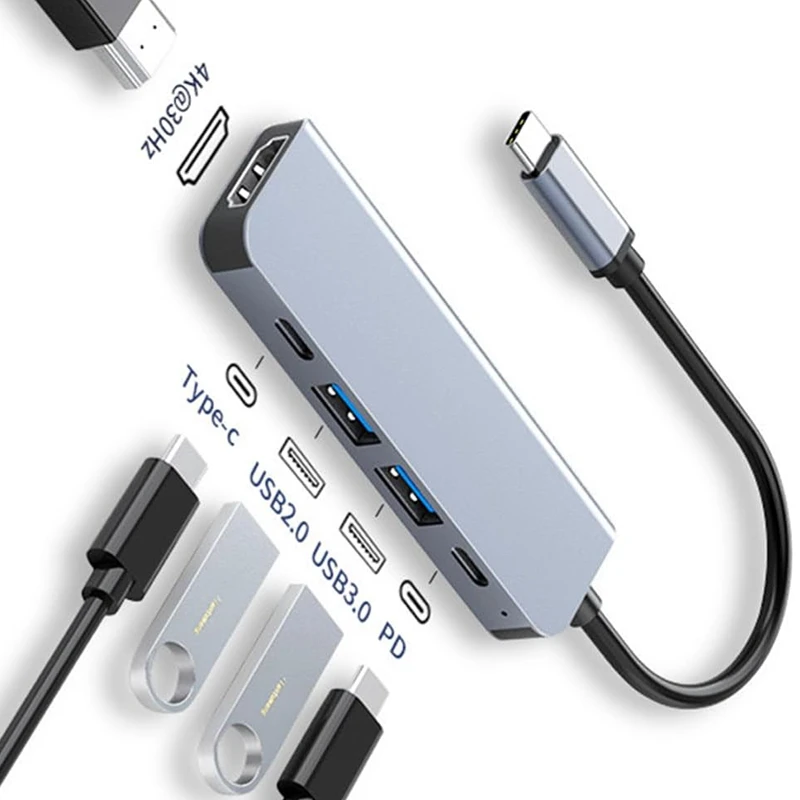
USB C Hub auf 4K HDMI-kompatible USB 3.0 2.0 Typ C PD Ladestation für MacBook iPad Samsung S10 Dex TV Maus Tastatur U Disk
€6.39
The Verdict
Get a USB-C hub if you travel frequently, use a single external monitor, and need basic port expansion. Get a docking station if you have a permanent desk setup, use dual monitors, need Ethernet, and want to connect/disconnect with one cable. Many people use both: a hub for travel and a dock for the desk.
FAQ
Can I use a USB-C hub with a docking station?
No — you wouldn't need to. A dock already does everything a hub does and more. If you have a hub and need more ports, upgrade to a dock instead of stacking them.
Does a USB-C hub charge my laptop?
Some do — via USB-C Power Delivery (PD). Check the hub's PD rating: 60W is enough for most ultrabooks, 85-100W for larger laptops. Without PD, the hub is data-only and you'll need a separate charger.